
Set up the run correctly
An empty public server is not the setup the badge asks for. Open Examination on Roblox, use a private server, and keep other players out for the attempt. Leave the class selection alone.
Classless does not mean empty-handed. The official requirement concerns your class. It does not ask you to throw away your starter gear.
Learn the objectives on a practice run if the facility is unfamiliar. Keep the walkthrough’s next chapter ready before leaving a safe position; trying to navigate a video while moving is an avoidable distraction.
The route to Sector 3
Use the written objective sequence below alongside KOTLK’s September 18, 2026 walkthrough. Objective names and Sector 2 access steps are cross-checked with the community location pages; video links supply the creator’s navigation chapters. No independent in-game run was performed.
Track the objectives, not only your location. The opening work involves Generator 1, Generator 2 and the Reactor 4/Basement sequence. Sector 2 then uses controls, a keycard and laptops to open the Sector 3 approach. The facility navigation guide connects those landmarks.
Leave spawn without choosing a class
Start the run with your default equipment. Avoid selecting a role while checking the spawn area. Being classless only at the finish is not the condition described by the guide.
WATCH 0:23 · Rules and start ↗Activate the opening generators
The community location guide identifies Generator 1 as the first objective and Generator 2 as the third. Interact with the generator controls and confirm the task changes before moving on. KOTLK reaches the first objective at 0:52, takes a third-objective detour at 1:14 and shows that location at 2:30.
The video’s safer connecting route begins at 2:41. It then heads toward the second objective at 3:47 and reaches it at 4:40. This is the creator’s route order, not a requirement to finish every task in numerical order.
WATCH 0:52 · Opening objectives ↗Finish Reactor 4 and release the Basement valve
Complete the active Reactor 4 tasks and release the Basement valve. The official NUMBER_FOUR_REACTOR badge names that valve interaction; entering the Basement by itself is not the same objective.
Reactor 4 was reworked on September 18, and the community wiki labels its older Basement directions outdated. Match the current footage instead: the Basement chapter starts at 7:50 and the exit route at 8:20. Before leaving, check that your generator and valve objectives have registered.
WATCH 7:50 · Basement → Reactor 4 exit ↗Open Logistics and complete its laptop objective
Use the button at the Sector 2 entrance once the opening objectives are complete. Community location documentation describes a laptop in the far left-side room opening the control room. Inside, use the Sector-2 Logistics Shutters control to open the Logistics route.
Collect the blue keycard in the Gate-1 area, use it at the upstairs Gate Control reader, then interact with the laptop inside. Follow any remaining data/laptop objective prompts before heading toward Sector 3. The emergency-door shutter control opens a different route; it is not a substitute for the Logistics control.
The video reaches Sector 2 at 9:40, its gunner section at 11:12 and Mikhail at 12:38. Check the next encounter before moving in. After a death, read your remaining objective rather than automatically repeating the entire opening sequence.
WATCH 9:40 · Sector 2 route ↗Reach the Sector 3 entrance and check the award
Continue to the entrance, then check the badge notification and your Roblox badge ownership. Do not stop at Sector 2 or assume that entering the facility was enough.
The official description lists Special Forces classes and a rank advancement as the reward. It does not require clearing the later sectors. If the badge is missing, use the checks below before starting another long attempt.
WATCH 14:18 · Sector 3 return route ↗Keep the walkthrough beside you
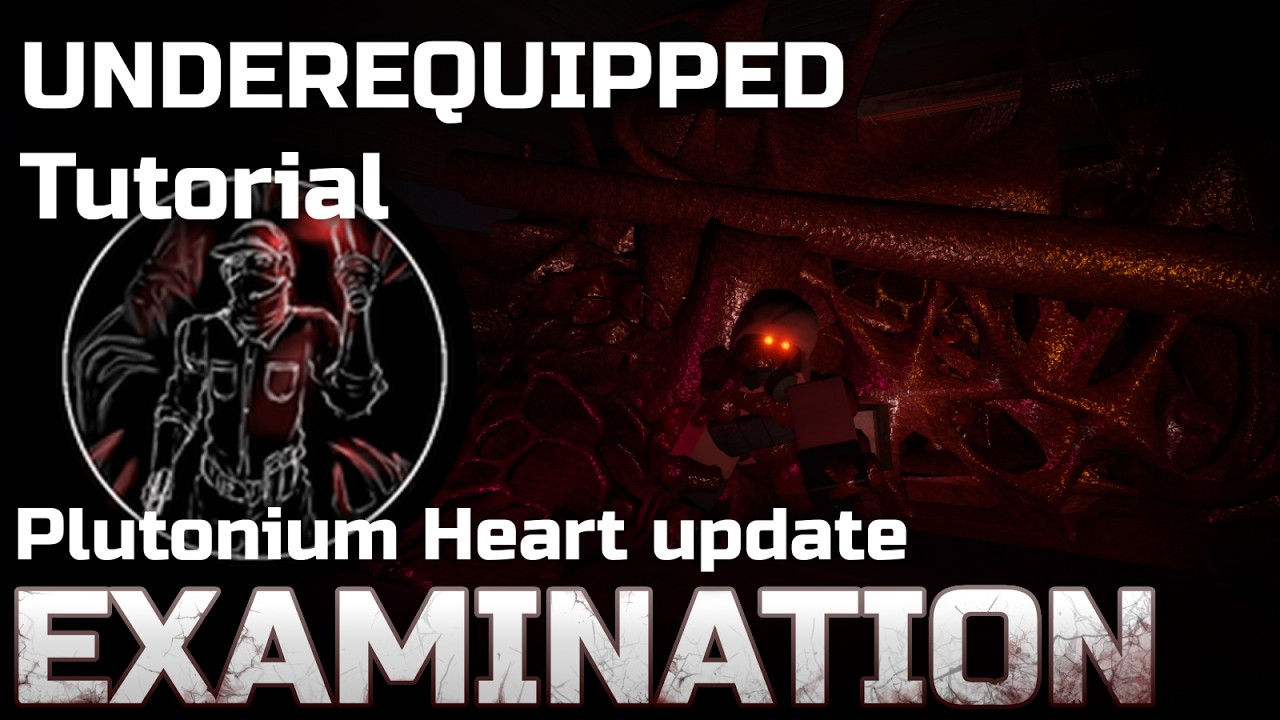 ▶ WATCH ON YOUTUBE14:37 / KOTLK
“Examination UNDEREQUIPPED Tutorial NEW” · September 18, 2026. Opens on YouTube; no video player loads on this page.
Reached the entrance, but no badge?
- Check the server type. The requirement explicitly says private server; an empty public server is not equivalent.
- Check whether anyone joined. Community documentation says the run must stay solo throughout, not just at the final checkpoint.
- Check whether you selected a class. Changing equipment and choosing a class are different actions. If you selected a role, start a clean attempt.
- Check the location and ownership. Verify you reached the Sector 3 entrance and check the official badge page while signed in.
If those checks do not explain it, record what happened and compare the current badge description with this guide. We have not verified how disconnects, server resets or reconnects affect eligibility.
Before you restart
Do I have to finish the whole game?
The official badge description names the Sector 3 entrance as the award checkpoint. You do not need to clear Sector 3 or later areas for this badge.
Does the run have to be deathless?
The official Underequipped description does not specify a deathless run. The community achievements page explicitly says deaths are allowed, and KOTLK’s September 18 walkthrough includes return routes after dying. This is community-supported guidance, not a guarantee about every reset or reconnect.
Can a friend join and leave before I finish?
Keep the server solo from start to finish. The community achievements page says nobody can join at any point in the run. If someone joins, start a fresh solo attempt rather than assuming their departure restores eligibility.
Can I use Riot Gear?
The community classes page says equipping Riot Gear does not count as choosing a class. The official badge description does not document that exception. Treat it as community guidance and avoid relying on it if you want the least ambiguous attempt.
Is this a no-weapons challenge?
The official condition is to complete the run without a class. It does not say to empty your inventory or meet a gear-score threshold. Do not discard your starter equipment just because the badge is called Underequipped.
Returning after a death
Keep the attempt in the same solo private server and check the current objective. These published video chapters show return routes; they do not establish what happens after leaving, reconnecting or restarting the server.
Sources & verification
Requirements were checked on September 23, 2026. Official conditions take priority over community explanations. The route links use the creator’s published chapters; no independent in-game run was performed for this edition.
- Roblox: Underequipped badge — server, class, finish checkpoint and reward; also checked through the official badge API.
- KOTLK: Examination UNDEREQUIPPED Tutorial NEW — September 18 walkthrough and chapter timestamps.
- Fandom: Locations and Miraheze: Locations — generators, Sector 2 controls, keycard and laptop; the old Reactor 4 route is explicitly marked outdated.
- Roblox: NUMBER_FOUR_REACTOR — Basement valve interaction.
- Community wiki: Achievements — death and player-join guidance.
- Community wiki: Classes — Riot Gear exception.